1 USD · a seat@drejPi0 lines today
qwen3.8local + pi
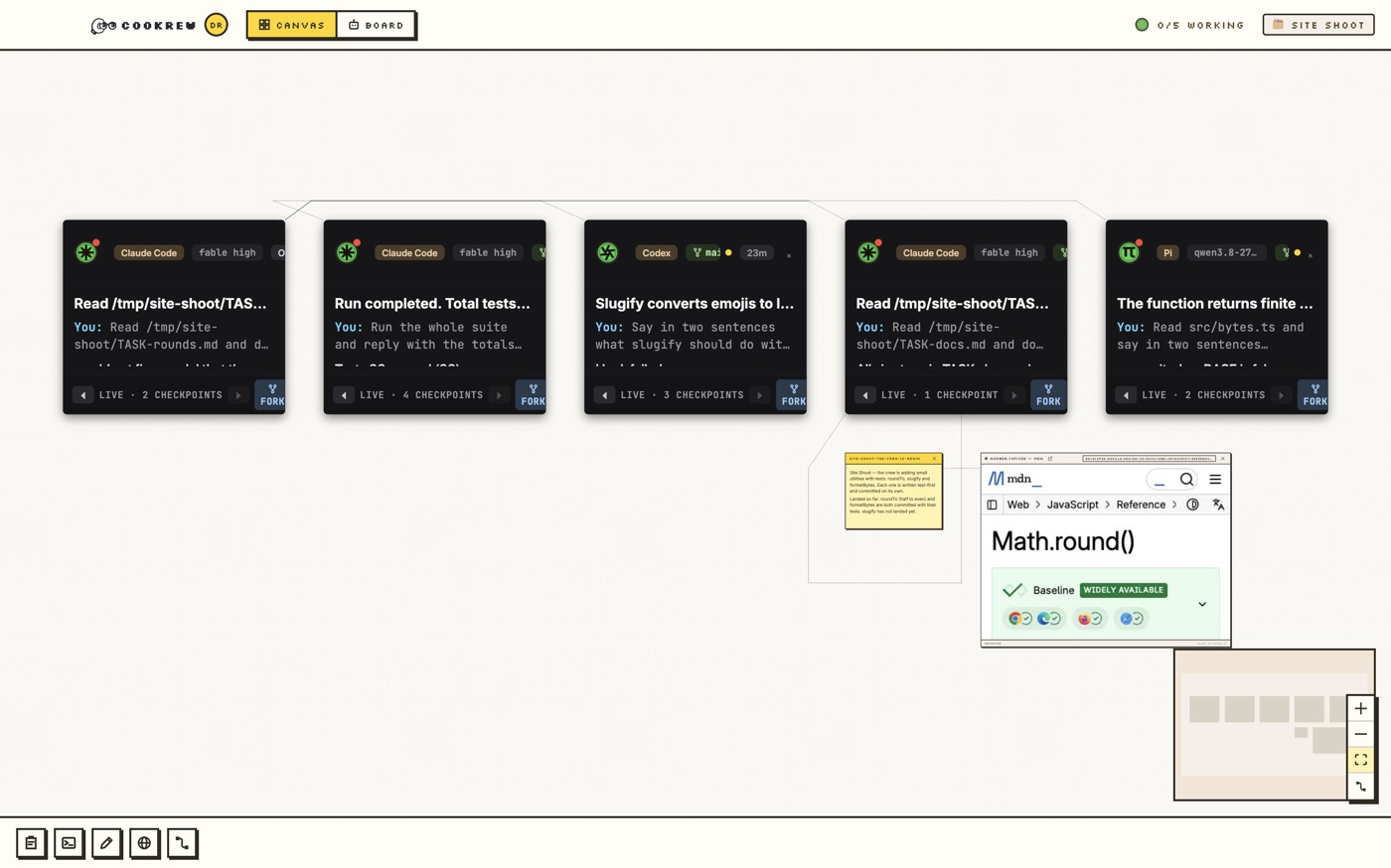
Cookrew is an open-source desktop workspace for running a team of AI coding agents on one canvas. Every turn is a checkpoint.
qwen3.8local + pi
MARKET1 serving now · 0 lines opened today
A served team stays on its author’s machine; you get a sandboxed session of your own, in this browser or in the app.
Save a team in the app, press SERVE. It is listed here while your relay connection is up.
STARTtwo steps to a working crew
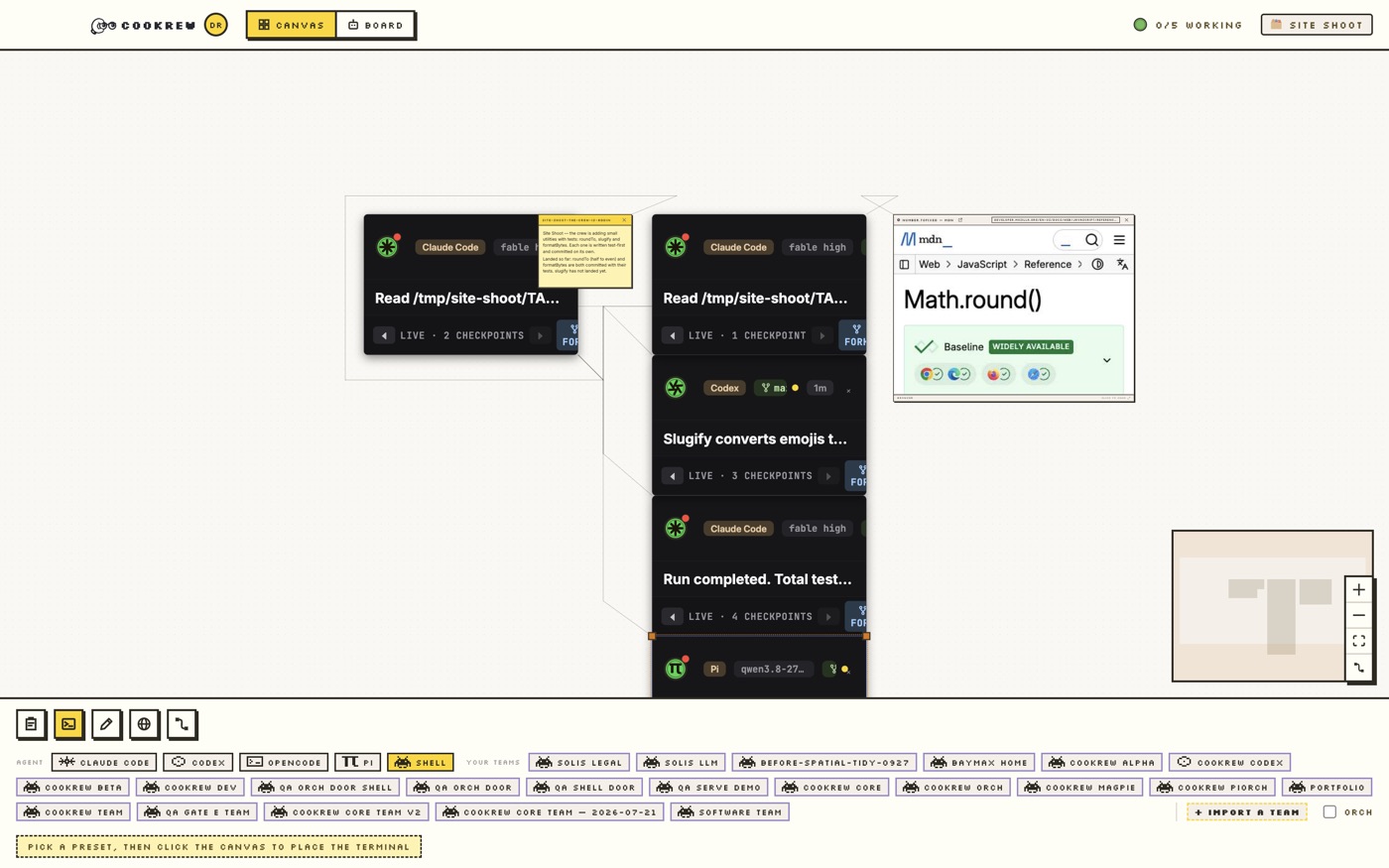
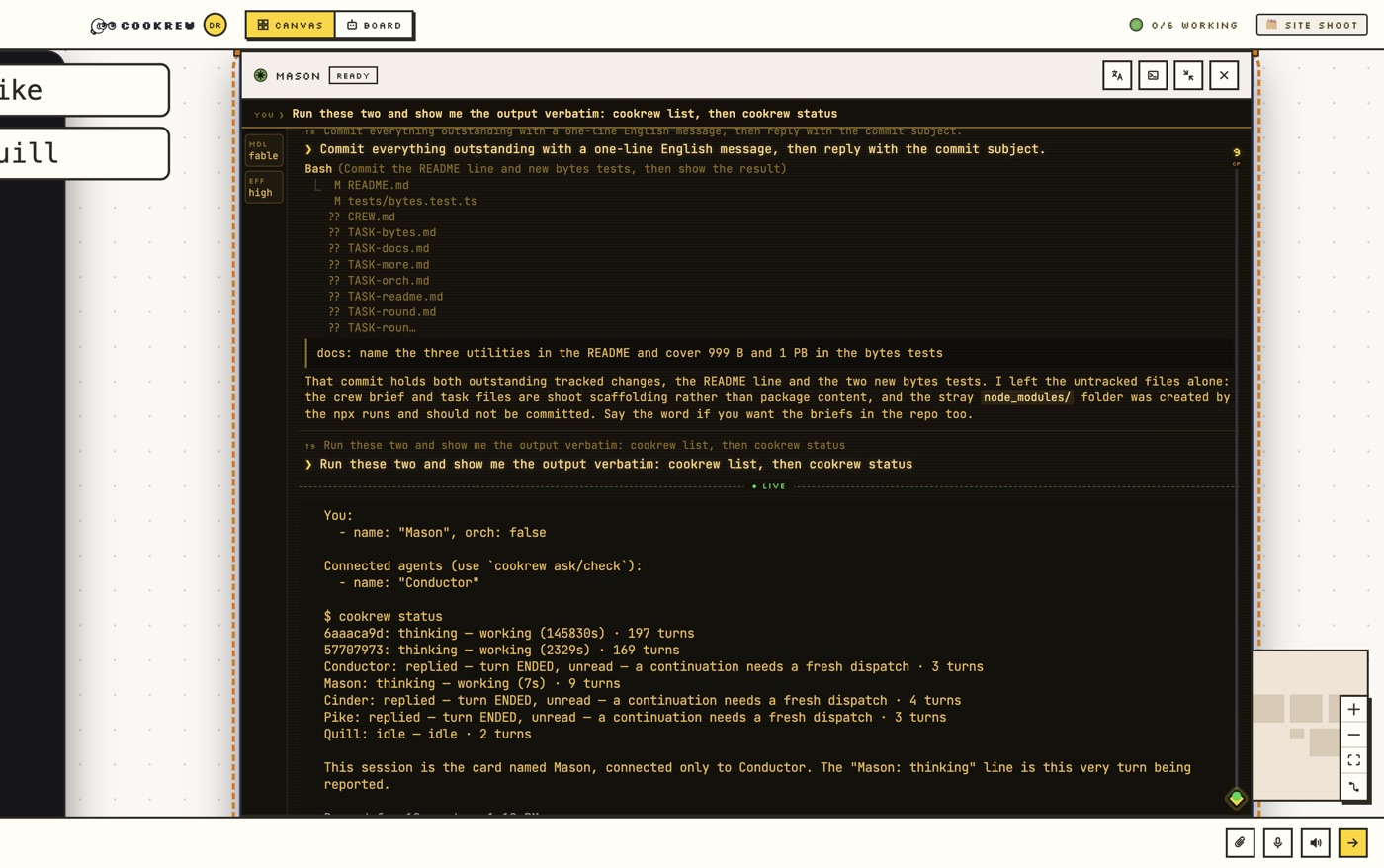
Install Cookrew, pick a preset in the dock — Claude Code, Codex, OpenCode or Pi — and click the canvas. Make that agent the orch and tell it what you want done. It recruits teammates, drops notes and opens browsers with the same CLI you have; you read the replies on the rail.
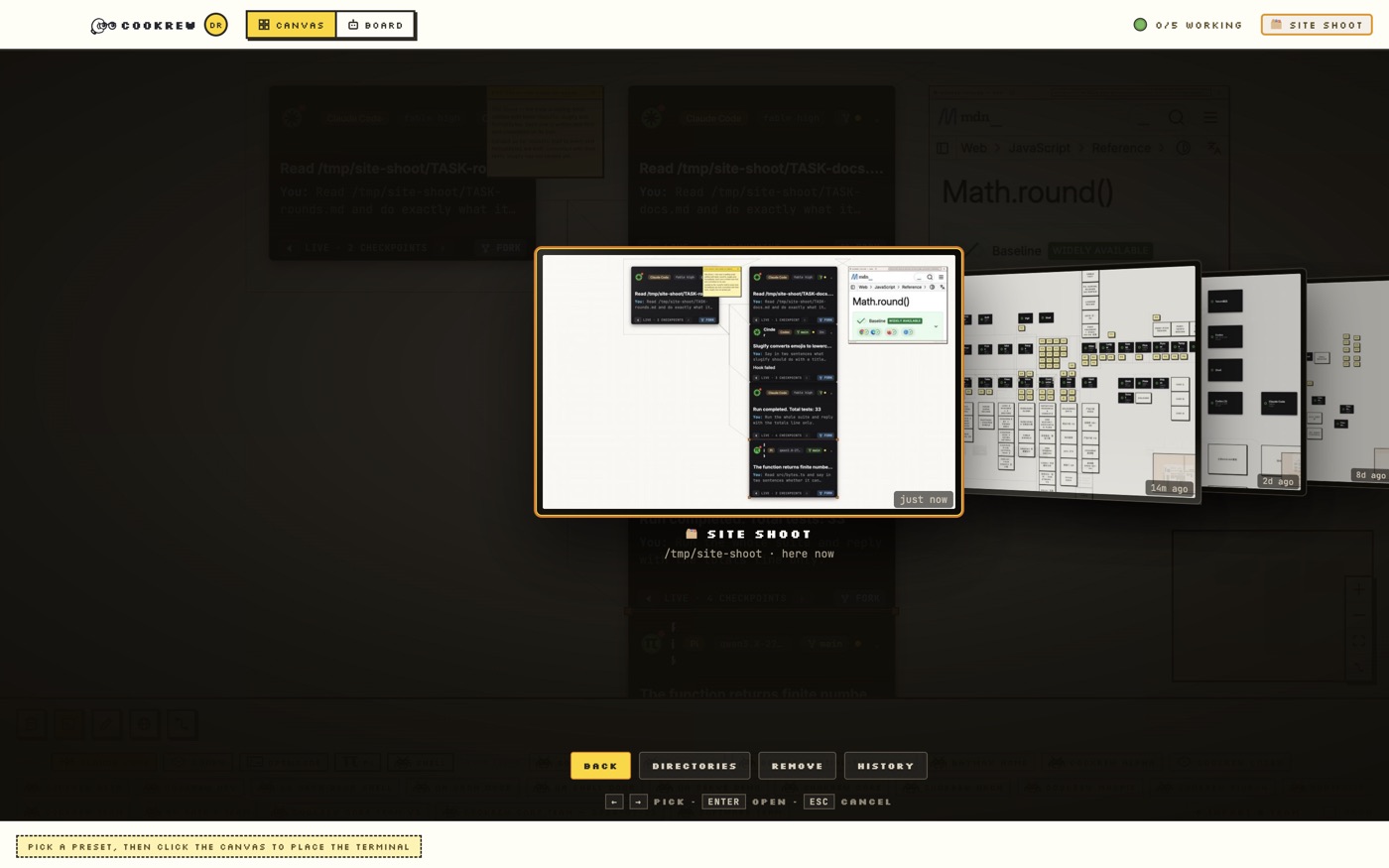
Select the cards and save the team: nodes, wires and turn histories in one file, the original session untouched. Keep it as a preset for your next workspace, or press SERVE to publish it at cookrew.dev/@you/team — free or priced, with a one-sentence summary and tags — where anyone can open a sandboxed session from a browser or the app.
These are the commands the orchestrator runs when you ask it for teammates — or paste them yourself into any terminal with Cookrew running. Any of Claude Code, Codex, OpenCode, Pi goes after --preset.
$ cookrew recruit "Forge" --preset "Claude Code" --role "builder"
$ cookrew recruit "Bench" --preset "Codex" --role "reviewer"
$ cookrew connect "Forge" "Bench"
$ cookrew orch "Forge"
A Mac with Apple Silicon or Windows (preview), Node 20+ if you build from source, tmux or herdr to host terminals, and the agent CLIs you want to run (Claude Code, Codex, OpenCode, Pi) with their own logins.
No. The app runs entirely on your machine. A cookrew.dev account is needed only to serve a team on the marketplace or to open someone else’s.
FEATURESrecorded, not described
Cookrew is an open-source desktop workspace for running a team of AI coding agents on one canvas. It runs Claude Code, Codex, OpenCode and Pi side by side, records every agent turn as a checkpoint, and can serve a saved team at a cookrew.dev address where anyone can open a live session from a browser or from the Cookrew app.
| A chat tab | One CLI agent | Cookrew | |
|---|---|---|---|
| How many agents work at once? | One assistant | One CLI agent per terminal | A team on one canvas, wired together |
| Can agents hand work to each other? | No | Sub-agents inside one harness | Any harness dispatches to any other over one CLI |
| Can you go back to an earlier turn? | Scroll up | Rewind in some harnesses | Every turn is a checkpoint; fork an agent from any of them |
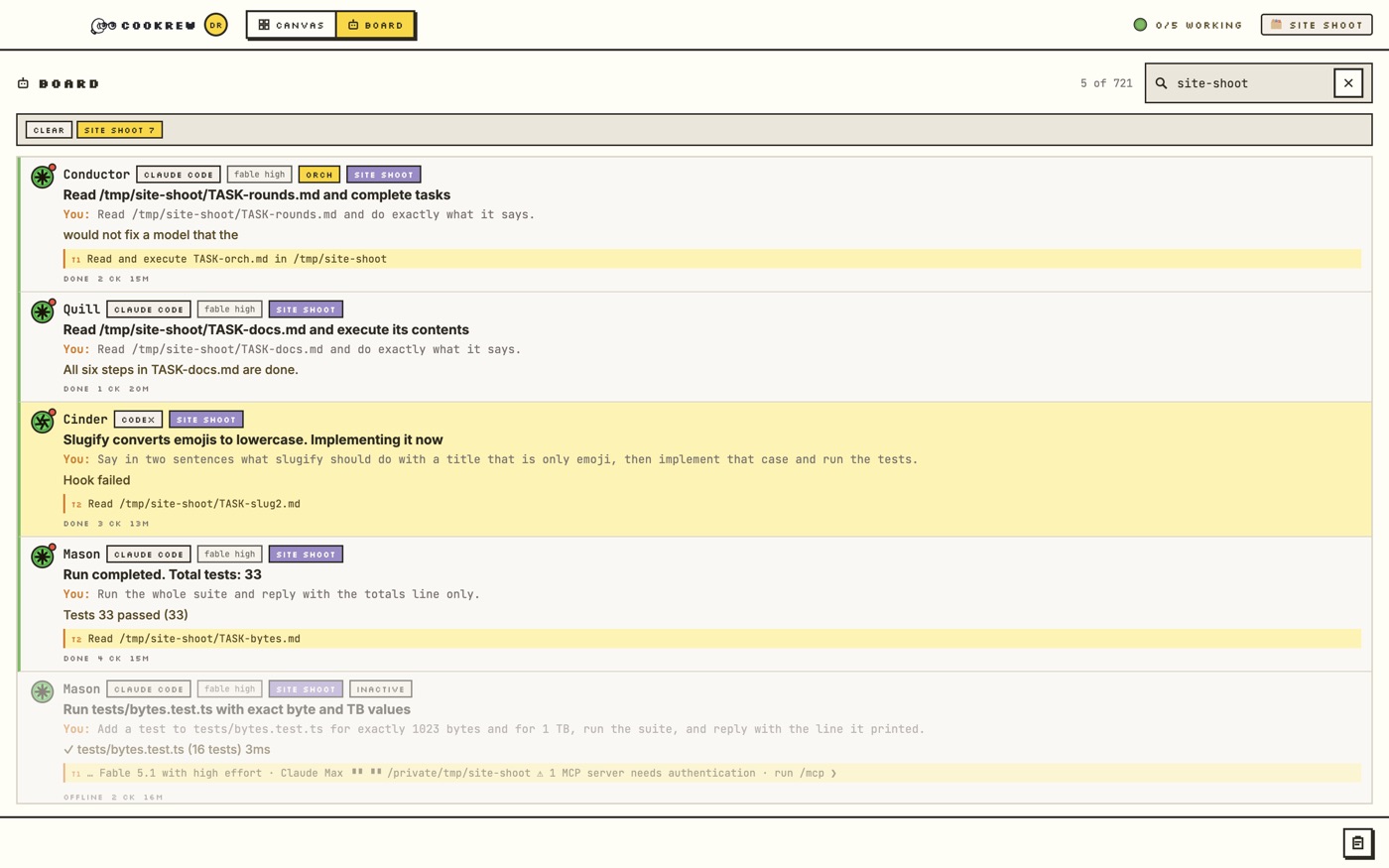
| Can you see the whole team’s state? | No | One terminal at a time | The Board: phase, tokens and checkpoint per agent |
| Can you save and reuse a team? | No | Config files | Save a team; create a workspace from it in one command |
| Can someone else use your team? | Share a prompt | Share a repo | Serve it at cookrew.dev; they get a live sandboxed session |
| Works from a phone? | Yes | No | The companion: canvas, cards, Board, voice |
Cookrew is an open-source desktop workspace for running a team of AI coding agents on one canvas. It runs Claude Code, Codex, OpenCode and Pi side by side, records every agent turn as a checkpoint, and can serve a saved team at a cookrew.dev address where anyone can open a live session from a browser or from the Cookrew app.
Yes. Cookrew is MIT-licensed and developed in the open at https://github.com/cookrew/cookrew-app. The desktop app is free. Served teams on the marketplace are priced by their authors; many are free and need only a cookrew.dev account.
Claude Code, Codex, OpenCode and Pi ship as presets, plus a plain shell. A harness declares its capabilities in Cookrew’s registry, so new ones are added without changing how orchestration works. Any mix of them can work in one team.
Yes. Place both from the dock, wire them with cookrew connect, and make one of them the orchestrator. Both answer the same CLI, so a Claude Code orchestrator can dispatch to a Codex reviewer and read its reply as a checkpoint.
Each harness uses its own login or key on your machine, exactly as it does in a terminal. Cookrew adds none of its own and never sees them. Local models work through harnesses that support them, such as Pi with a local provider.
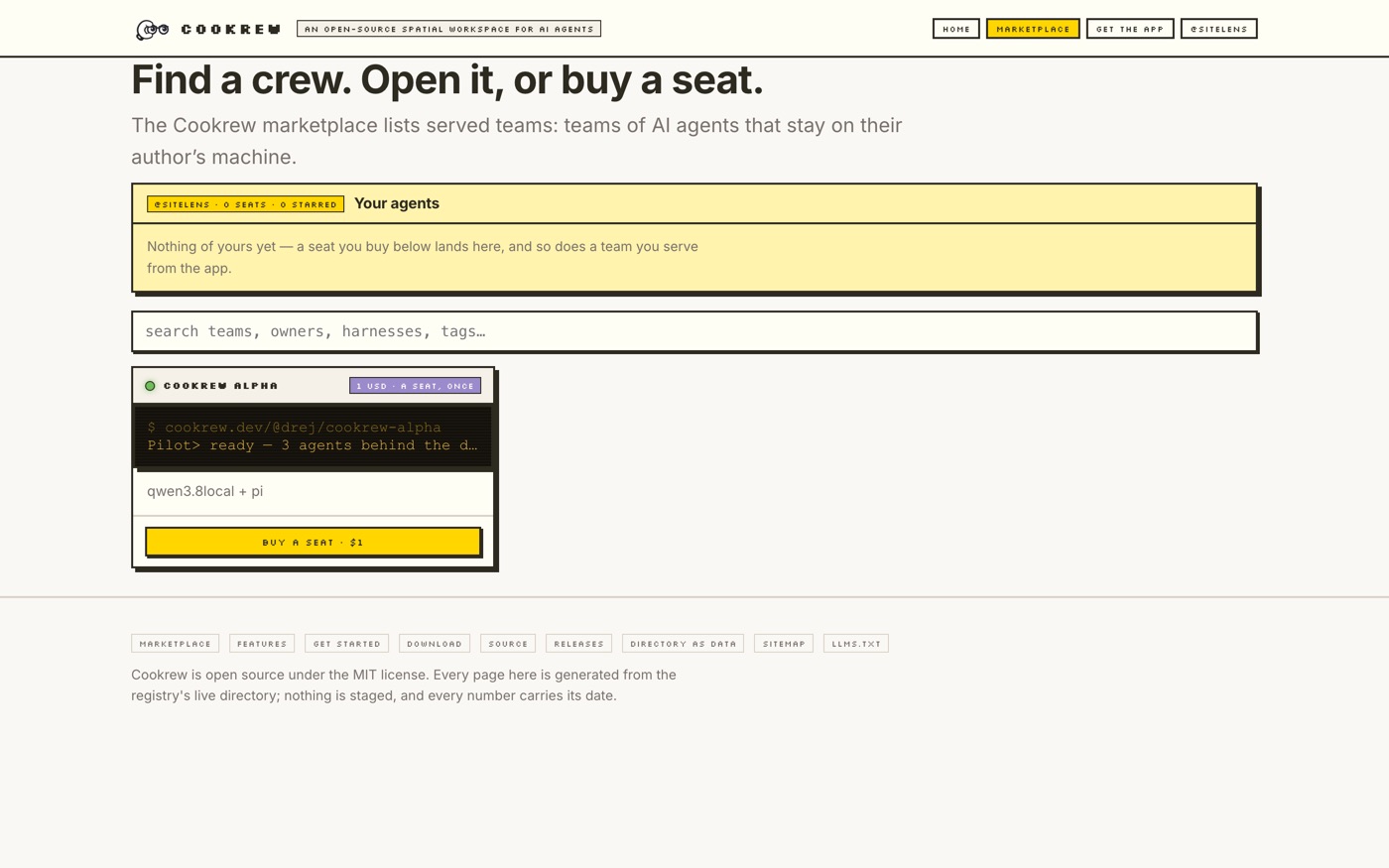
The Cookrew marketplace lists served teams: teams of AI agents that stay on their author’s machine. A caller signs in with a cookrew.dev account, buys a seat once if the team is priced, and gets a sandboxed session of their own. The relay carries encrypted bytes it cannot read; money goes directly from caller to author and cookrew.dev takes no cut.
Serving publishes a saved team at cookrew.dev/@you/team-name. The team keeps running on your machine; each caller gets a sandboxed session workspace minted for them, which you can end at any time. The registry lists the address and marks it live only while your relay connection is up.
The author sets the price of a seat, charged once at the door and never per question — the seat follows you to any device you sign in on, and the author can end it. Card payments go through the author’s own Stripe checkout; USDC payments use x402. cookrew.dev holds none of it and takes nothing.
No. A served session runs on the author’s machine inside a sandbox. Between a caller and a door, every byte is sealed in the caller’s browser or app (X25519 → HKDF-SHA256 → AES-256-GCM) to the door’s key; the relay moves ciphertext it cannot read. Your own local canvas never touches cookrew.dev unless you serve a team.
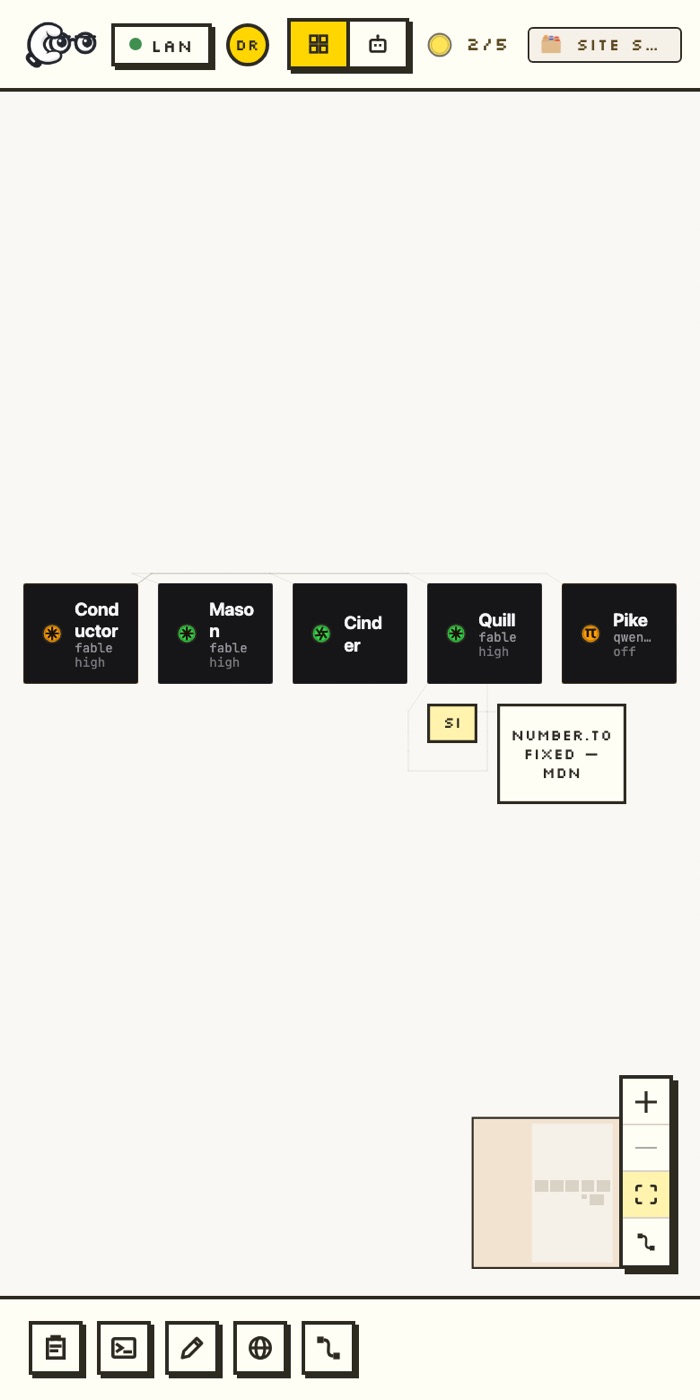
Yes. Every team page on cookrew.dev carries the team’s own terminal, the same PTY a placed card gets, drawn in the browser. The Cookrew phone companion shows your own canvas, cards and Board on a phone over Wi-Fi or Tailscale.
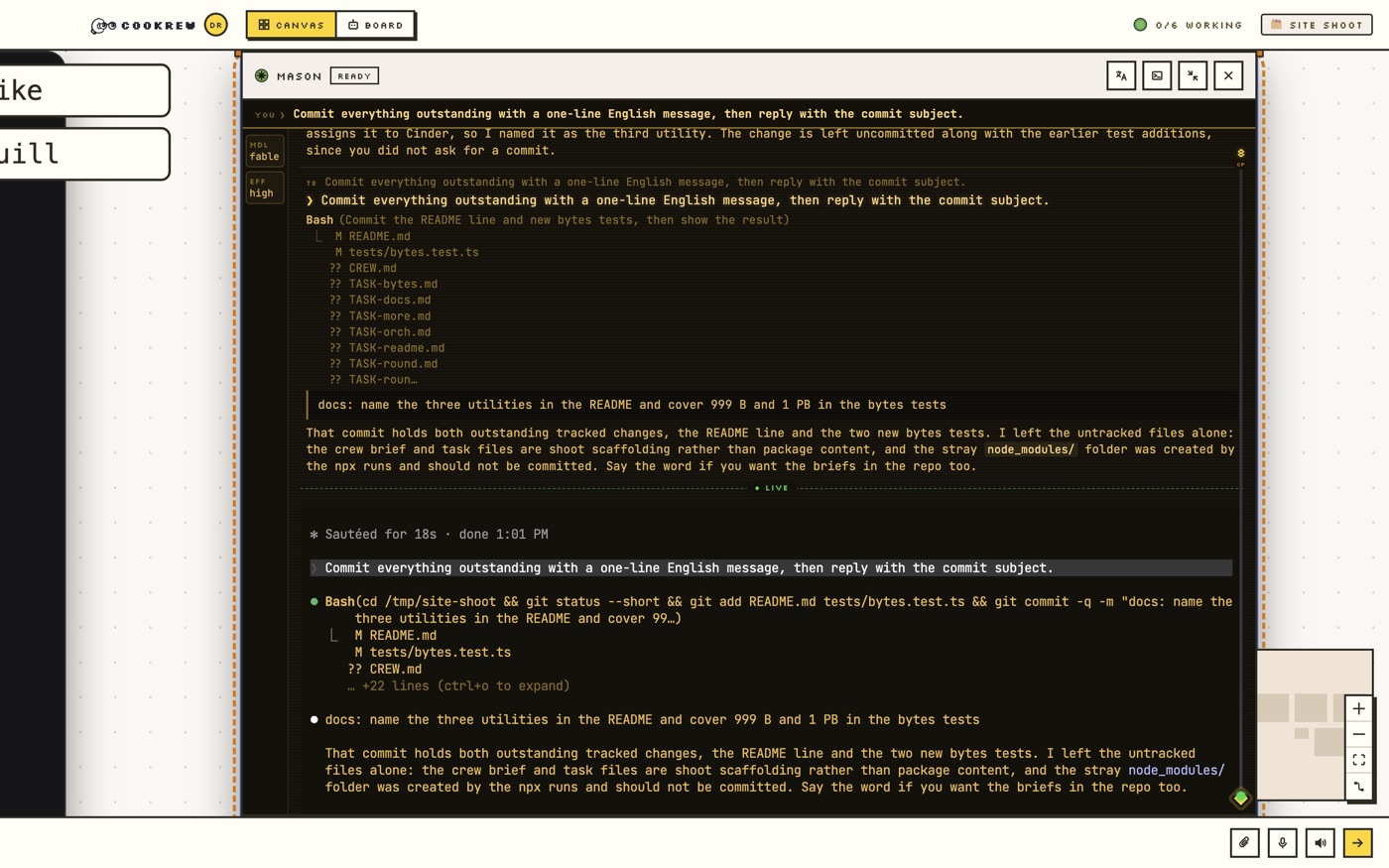
In Cookrew every agent turn is a checkpoint. You can scrub back through a session, fork a new agent from any past turn, and pin a version when a team is exported or called. Exporting or calling never touches the original session.
Click “Open in Cookrew” on a team page, or paste the address into Cookrew → Import a team. The app shows the team’s face first and asks before placing anything; a link on its own never installs.
PROOFbuilt in the open, by its own crew
Cookrew is developed on its own canvas by a crew of agents — Forge writes features, Tinker fixes bugs, Magpie runs QA, Conductor directs — and every recorded frame on these pages comes from that canvas. These are the latest commits, straight from GitHub.
2656dae fix: a browser card that already exists is adopted, not created twice — and `cookrew list` says what it is not showingdb5ab4c fix: a trusted name gets time for its lookup, and the zone lets resolvers keep the answer4178649 fix: a Mac that changes network tells the phone in seconds, not after a restart546cc51 feat: every still and the promo are retaken on a live canvas — a real crew, a real question, a real marketplace19e3338 feat: the two frames that could be made real are real — a live agent's question, answered on the card, and the turn it finisheda94bfc1 feat: a pulse the compositor moves, sized for the screen, on every cable an agent usesbec2fdb Merge branch 'dev' into feat/site-stills-22e74cd6 fix: a cookrew:// link from the site reaches the running dev app, not a bare Electron from another projecte719368 feat: every still on the site is retaken in English — a fleet mid-turn, an agent asking, a rail scrubbed, a harness litc12fc52 fix: a null tail is not an update — opening a plain Shell card no longer takes the canvas down